TeamSnap CSV, straight in
TeamSnap's roster export uses standard column names — First Name, Last Name, Email, Phone — and Aatago reads them directly. No reformatting, no fiddling.
Export your roster from TeamSnap, upload the CSV, and Aatago does the rest — players with emails get invites automatically, and you get a clean report of everything that imported.
TeamSnap's roster export uses standard column names — First Name, Last Name, Email, Phone — and Aatago reads them directly. No reformatting, no fiddling.
Every row with an email address gets an invite email. Players click through, create an account, and land on your team — you never touch a send button.
Rows without an email become manual members on your roster, so nobody gets lost. Add their email later and convert them to a full invite in one tap.
After every import you see exactly what happened — how many imported, how many invites went out, and which rows were skipped and why. Nothing silently disappears.
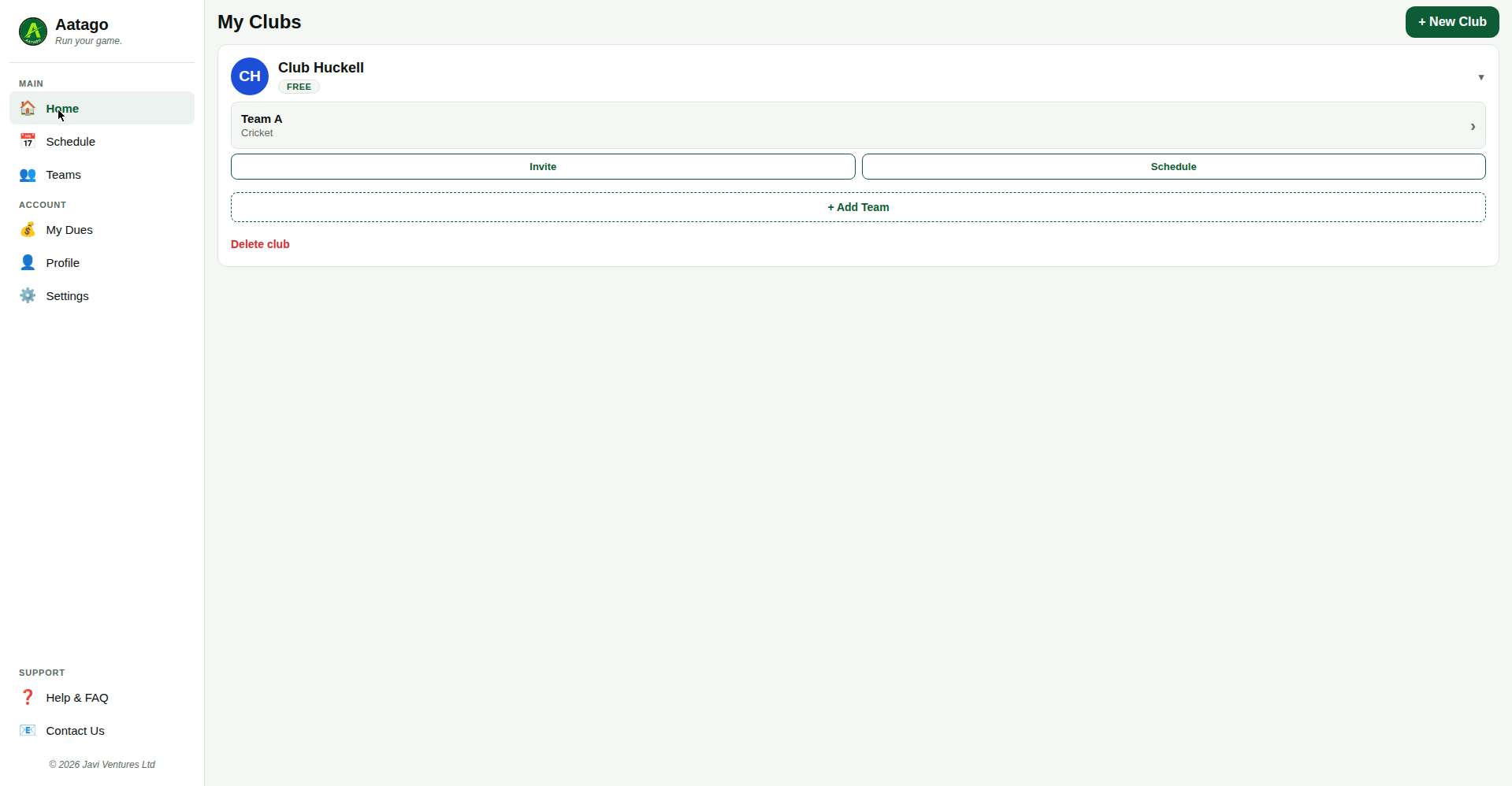
In TeamSnap, go to your team → Roster → export or download the roster as CSV. Then in Aatago: Team Settings → Players → Import Roster, and upload the file.
They're added as manual members so your roster stays complete. When you get their email, add it and they'll receive an invite.
Yes — run it again with new players and only the new rows get added. Duplicates are handled; nobody gets double-invited.
Free for one team, forever. Import your roster and see your team in Aatago in minutes.